New UI

Kirwan

@no-quarter said in New UI:

@kirwan That is soooo fucking good. Love the TSF bot commentary on the Events tab as well

The commentary is working really well, it's a fun way to watch the match. We tested it properly last week, Duluth even has the score hidden so you can "rewatch" games you haven't seen

Duluth

Live scoring is working reasonably well. The first weekend of NPC should expose the remaining bugs

We can do things like insert a short term poll (Was that a try, was that a YC offence etc etc)

canefan

Barely had a chance to look around, how do I get quickly to the last post in a thread? Doesn't appear to be a slide anymore or a button. On my android phone

It's fine on my PC

Bones

Instant improvement on newish threads where it goes straight to l

Unread - the previous platform would take me to the start of the thread up to the first half a dozen "entrances".

voodoo

Man you fullas are smart

Kirwan

@bones said in New UI:

Instant improvement on newish threads where it goes straight to l

Unread - the previous platform would take me to the start of the thread up to the first half a dozen "entrances".

Duluth's nemesis is that jumping around, he has that super nice

Kirwan

@canefan said in New UI:

Barely had a chance to look around, how do I get quickly to the last post in a thread? Doesn't appear to be a slide anymore or a button. On my android phone

It's fine on my PC

Tap on the screen, you'll see some numbers, click that and bobs your uncle

Bones

@kirwan said in New UI:

@canefan said in New UI:

Barely had a chance to look around, how do I get quickly to the last post in a thread? Doesn't appear to be a slide anymore or a button. On my android phone

It's fine on my PC

Tap on the screen, you'll see some numbers, click that and bobs your uncle

Sliiiiick.

I'm getting occasional flickering glitches when a page is freshly loaded... realtime update fighting with the current load?

Duluth

@bones said in New UI:

I'm getting occasional flickering glitches when a page is freshly loaded... realtime update fighting with the current load?

It might be related to the way it's storing the last read position

If it's still happening in a day or two remind me about it

canefan

@kirwan said in New UI:

@canefan said in New UI:

Barely had a chance to look around, how do I get quickly to the last post in a thread? Doesn't appear to be a slide anymore or a button. On my android phone

It's fine on my PC

Tap on the screen, you'll see some numbers, click that and bobs your uncle

Noice!

gt12

Love it!

Dunno why, but I have to sign in every time I access (M1 Pro via Chrome)

It's not stopping me, so not a big deal, but its happening.

Kirwan

@bones said in New UI:

@kirwan said in New UI:

@canefan said in New UI:

Barely had a chance to look around, how do I get quickly to the last post in a thread? Doesn't appear to be a slide anymore or a button. On my android phone

It's fine on my PC

Tap on the screen, you'll see some numbers, click that and bobs your uncle

Sliiiiick.

I'm getting occasional flickering glitches when a page is freshly loaded... realtime update fighting with the current load?

You mean the blur, or jumping position?

Kirwan

@duluth said in New UI:

It you're having issues logging in email here:
silverferndotcom@gmail.com

Also, if you have weird logging in issues, this will most likely cookie related so remove those;

For mobile;

iPhone/iPad (Safari)

Open Settings.

Go to Apps → Safari.

Tap Clear History and Website Data.

Confirm.

To clear cookies for only one website: Settings → Apps → Safari → Advanced → Website Data, find the website, then delete it.

Android (Chrome)

Open Chrome.

Tap the three dots → Delete browsing data.

Select Cookies and site data.

Tap Delete data.

Then close and reopen the browser and try logging in again.

If it still doesn’t work, try a private/incognito tab and double-check that your phone isn’t automatically entering an old password.


KiwiMurph

@kirwan said in New UI:

@canefan said in New UI:

Barely had a chance to look around, how do I get quickly to the last post in a thread? Doesn't appear to be a slide anymore or a button. On my android phone

It's fine on my PC

Tap on the screen, you'll see some numbers, click that and bobs your uncle

Just quoting this to bump it.

Awesome work - can't wait to try out all the new features!

Bones

@kirwan said in New UI:

@bones said in New UI:

@kirwan said in New UI:

@canefan said in New UI:

Barely had a chance to look around, how do I get quickly to the last post in a thread? Doesn't appear to be a slide anymore or a button. On my android phone

It's fine on my PC

Tap on the screen, you'll see some numbers, click that and bobs your uncle

Sliiiiick.

I'm getting occasional flickering glitches when a page is freshly loaded... realtime update fighting with the current load?

You mean the blur, or jumping position?

Yeah seems it's jumping about, happens in the blink of an eye though and rights itself.

Duluth

@bones is it mainly on topics with lots of embeds like the meme one?

Bones

@duluth sorry hadn't taken notice of that - no big deal anyway, but will try and remember to monitor.

Victor Meldrew

The match thread changes are brilliant...seriously good. Great work guys

Some feedback.

Love the way you can bold/italicise texts with a right-click

How do you preview posts before you hit the Submit button?

I'm finding the black text on white a bit harsh, I liked the grey background - made it easier to read. Can we change this anywhere?

Kirwan

@victor-meldrew said in New UI:

The match thread changes are brilliant...seriously good. Great work guys

Some feedback.

Love the way you can bold/italicise texts with a right-click

How do you preview posts before you hit the Submit button?

I'm finding the black text on white a bit harsh, I liked the grey background - made it easier to read. Can we change this anywhere?

There are four shades of the theme, you can change those with the selector in the header. Multiple clicks cycle through them, or you can right click to see all the options.

I think the new editor doesn't have a preview anymore.

Kirwan

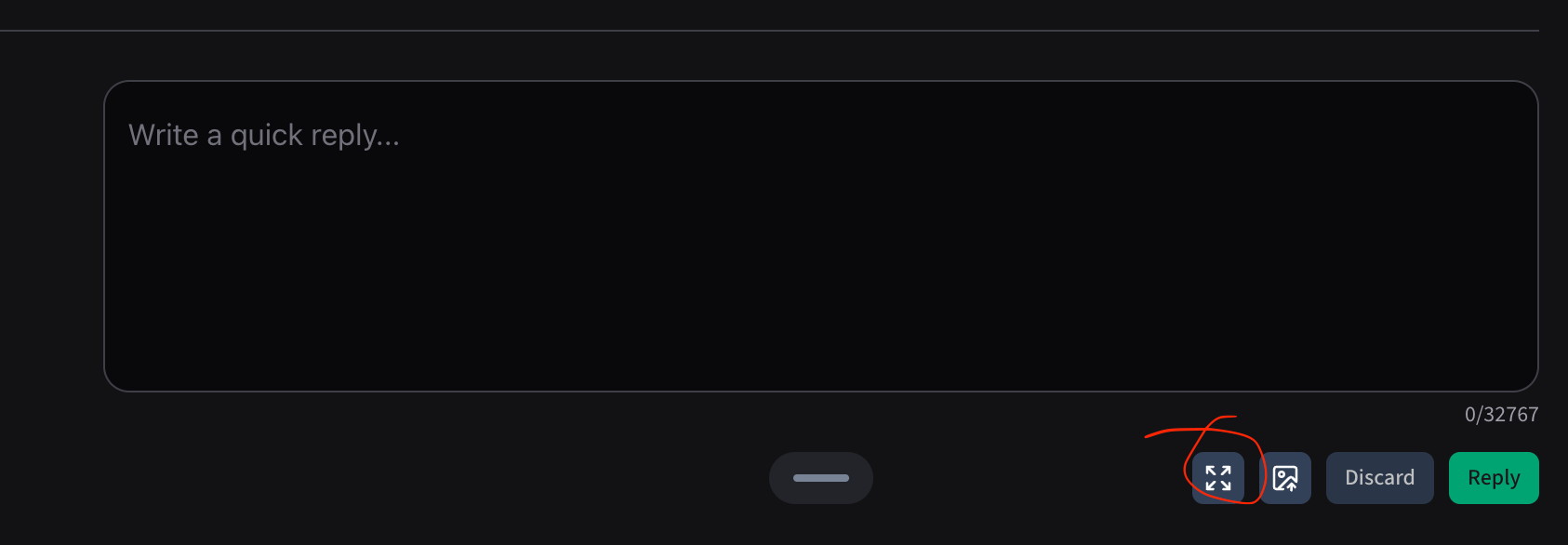
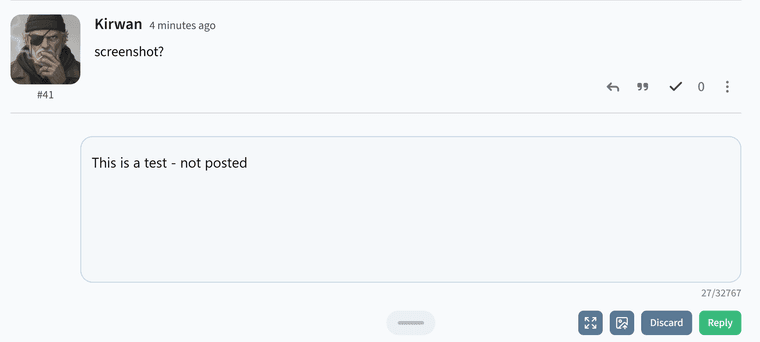
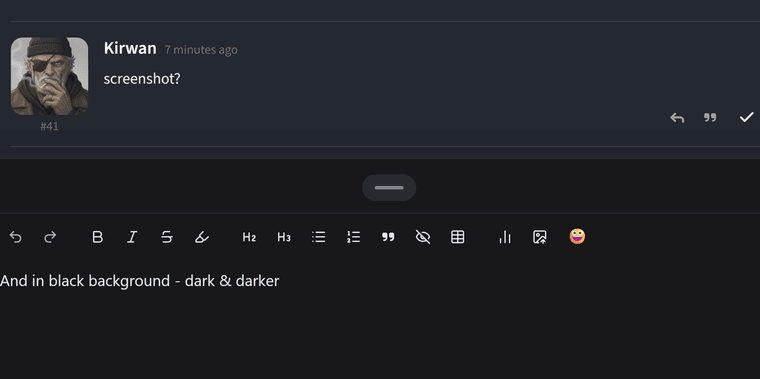
Screenshot 2026-07-22 at 8.11.01 PM

If you click here, it's give you WYSIWYG editor, no need for preview

Looks great.

One issue I'm having is that it always defaults to darker mode whenever I access it on my computer. This happens even after I set it to light mode in the previous session. I'm using Firefox.

Kirwan

In the TSF Help category, you'll see a tab called Support Issues. If you log an issue there, we'll knock them out, saves time looking in threads or having us log them.

booboo

@kirwan said in New UI:

Did we agree to ban anybody that complains? I can't remember.

I'm not complaining just pointing out bugs ...

Victor Meldrew

@kirwan said in New UI:

@victor-meldrew said in New UI:

The match thread changes are brilliant...seriously good. Great work guys

Some feedback.

Love the way you can bold/italicise texts with a right-click

How do you preview posts before you hit the Submit button?

I'm finding the black text on white a bit harsh, I liked the grey background - made it easier to read. Can we change this anywhere?

There are four shades of the theme, you can change those with the selector in the header. Multiple clicks cycle through them, or you can right click to see all the options.

I think the new editor doesn't have a preview anymore.

It isn't the theme background - it's the text background when you post. It's either black or white. (Unless I'm missing something...)

Kirwan

ok gotcha. To be honest, not likely to change that (think can of worms, impossible to please everyone). The site is also optimised for dark mode too.

Victor Meldrew

OK. No probs. I'll just steal your sunglasses....

Duluth

Maybe we'll add another couple of themes in the future. Low on the priority list for now

Took me a few hours to be able to log in but here now - in case it's useful the error code was: Sign-in was accepted, but the browser session could not be confirmed. Please try again.

Kirwan

yeah, we had dualing cookies. It's just one now, so that error shouldn't happen anymore

Duluth

@zedsdeadbaby said in New UI:

Took me a few hours to be able to log in but here now - in case it's useful the error code was: Sign-in was accepted, but the browser session could not be confirmed. Please try again.

Sorry about that. We could see a few people having that problem

@kirwan pushed some new code 20mins ago. So maybe that resolved it

Happy days, all sorted now 🙂

canefan

I think I'm being logged out everytime I close the browser on my phone. Is that the new normal?

Duluth

@canefan said in New UI:

I think I'm being logged out everytime I close the browser on my phone. Is that the new normal?

Try deleting your browser cache to make sure you have the recent cookie fixes

Kirwan

Just tested it here on iPhone and it’s working properly here, so likely cookies like Duluth said.